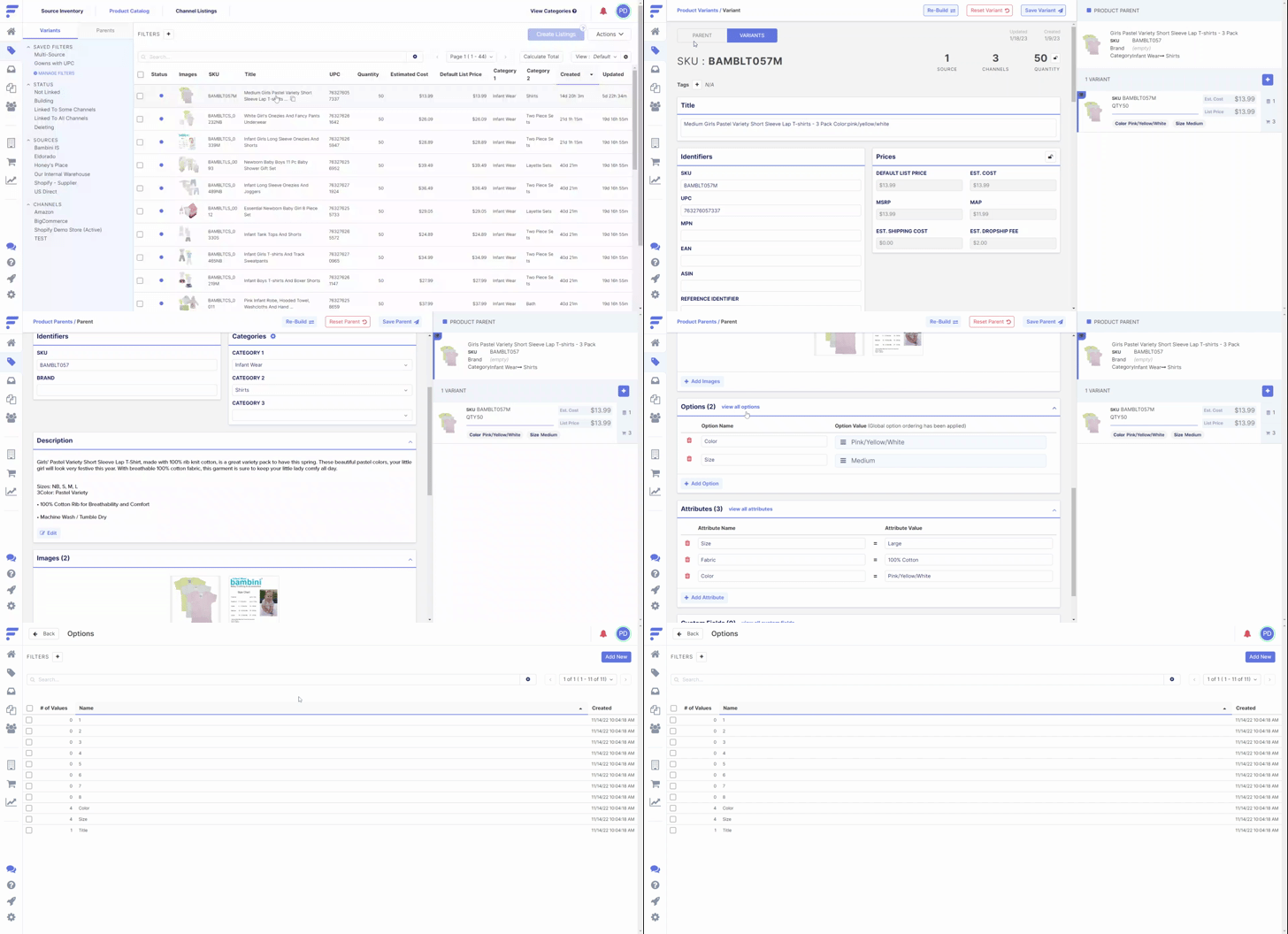
Options are required to differentiate two variants linked to the same parent. Flxpoint and your sales platform needs to be able to recognize unique items and options is how we accomplish this. For example:
- The Parent SKU 123 has an option named size.
- Variant SKU 456 should have an option value of Small
- Variant SKU 789 should have an option value of Medium
- Variant SKU 0123 should have an option value of Large.
Terminology
- Parent: A grouping of related variants. Parents are identified by unique SKUs.
- Variant: is a sell-able item that can be ordered and is also identified by the source with a unique SKU. A variant shares the common attributes of a parent with it's "sibling" variants, but also has its own properties such as pricing, quantity, and other identification data.
Adding Option(s)
| Importing Options From Source |
|---|
|
| Flxpoint Example |
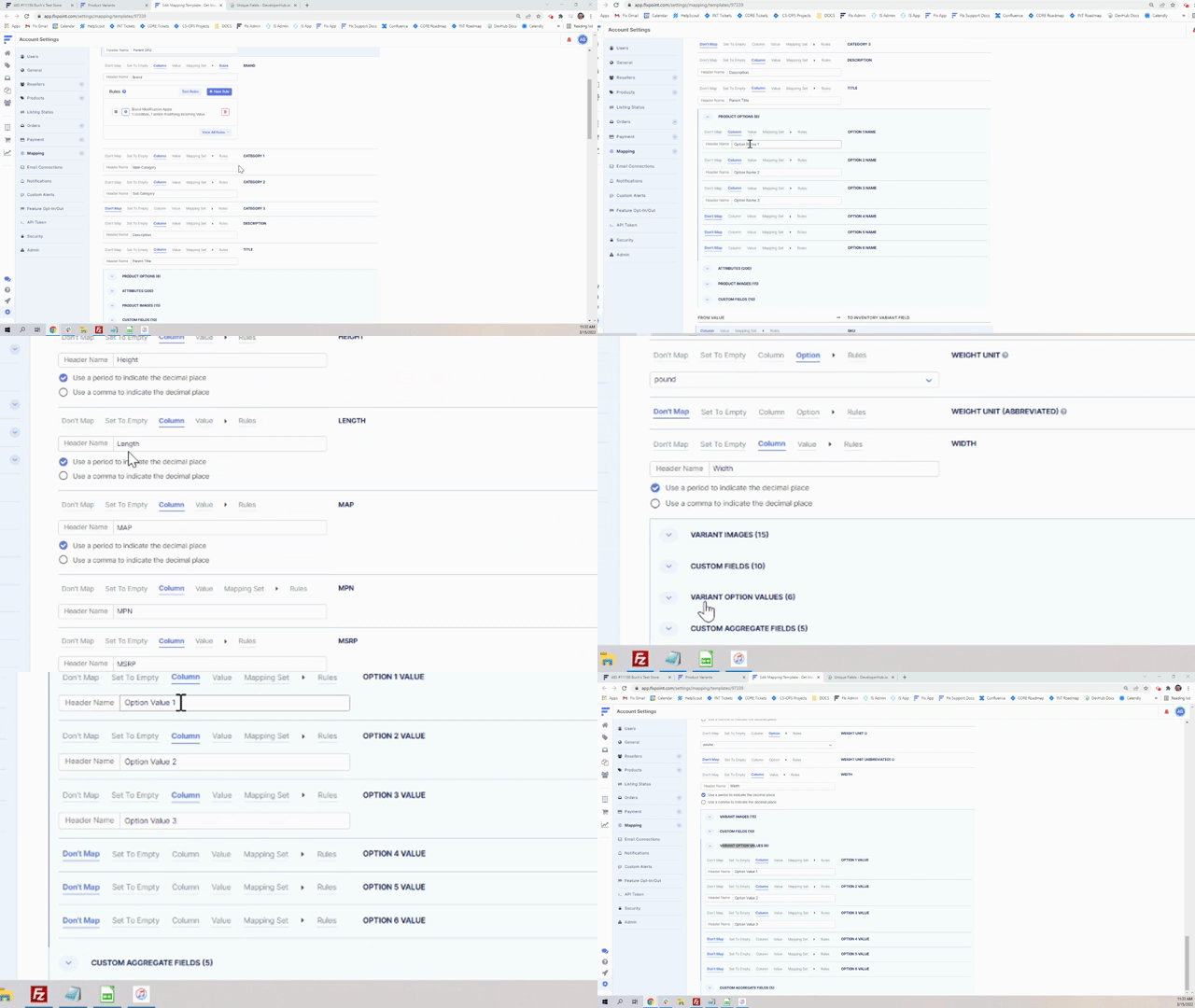
On a file import, your Column header would be Option Name 1 with the actual name of the option. i.e. Size in the rows beneath the header. The other column header would be Option Value 1 with the Value being in the rows beneath_i.e. Small |
| Adding an Option Individually |
|---|
|
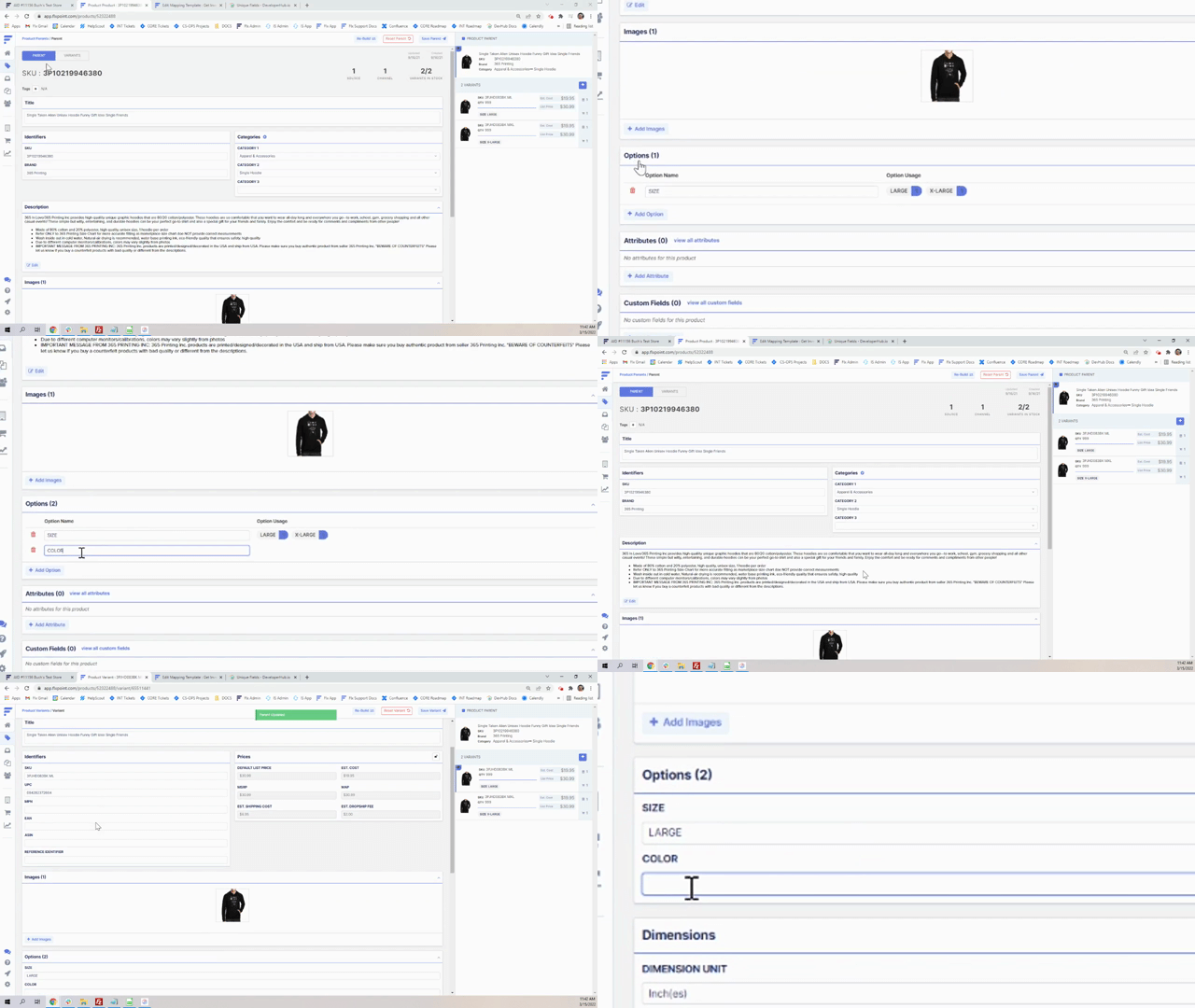
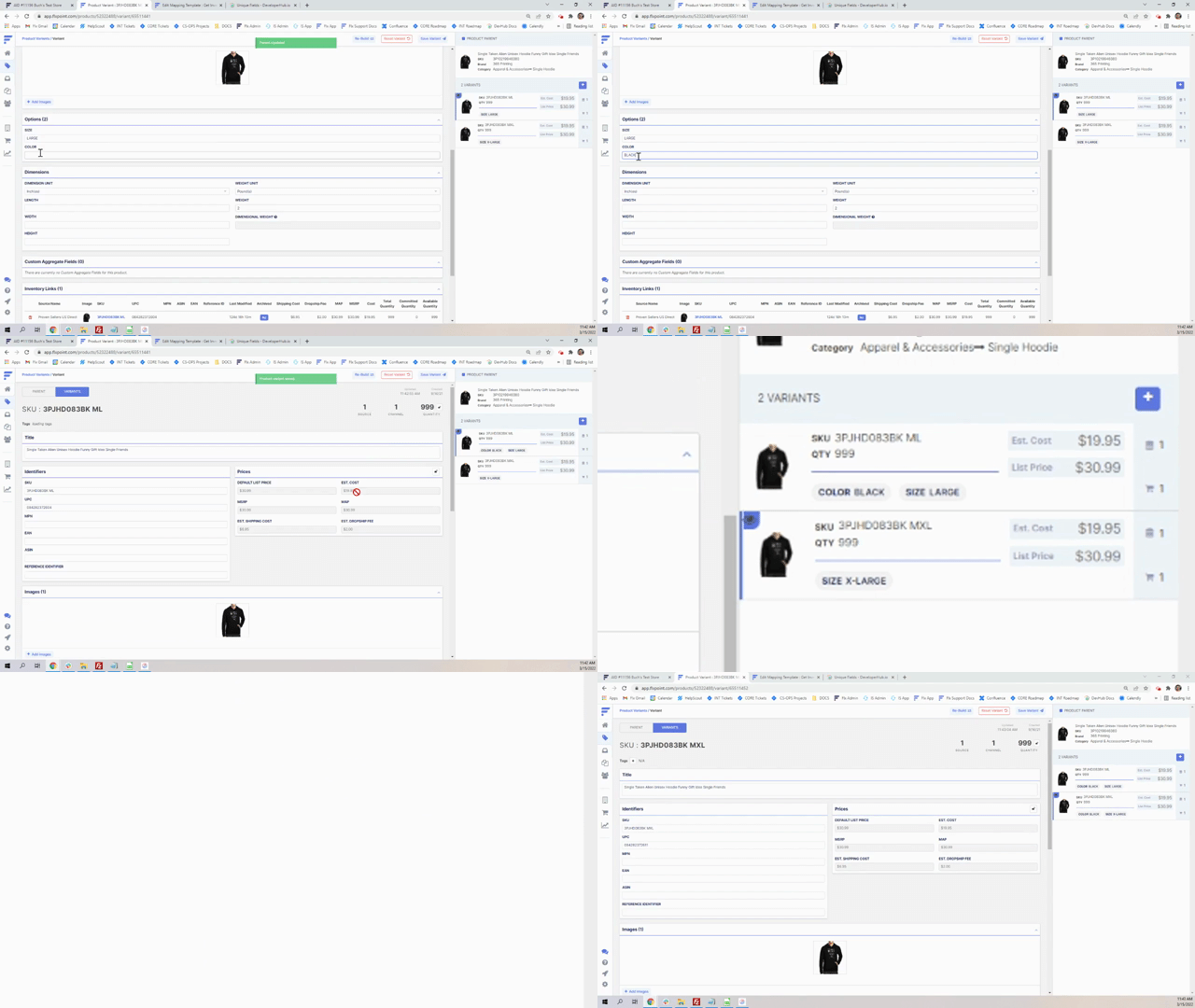
| Flxpoint Pro Tip |
If your product already exists at the Channel Listings level, you will need to rebuild the item in the Channel Listings. Options do not automatically pass through. |
Editing Option(s)
| Renaming the Option Value Manually |
|---|
|
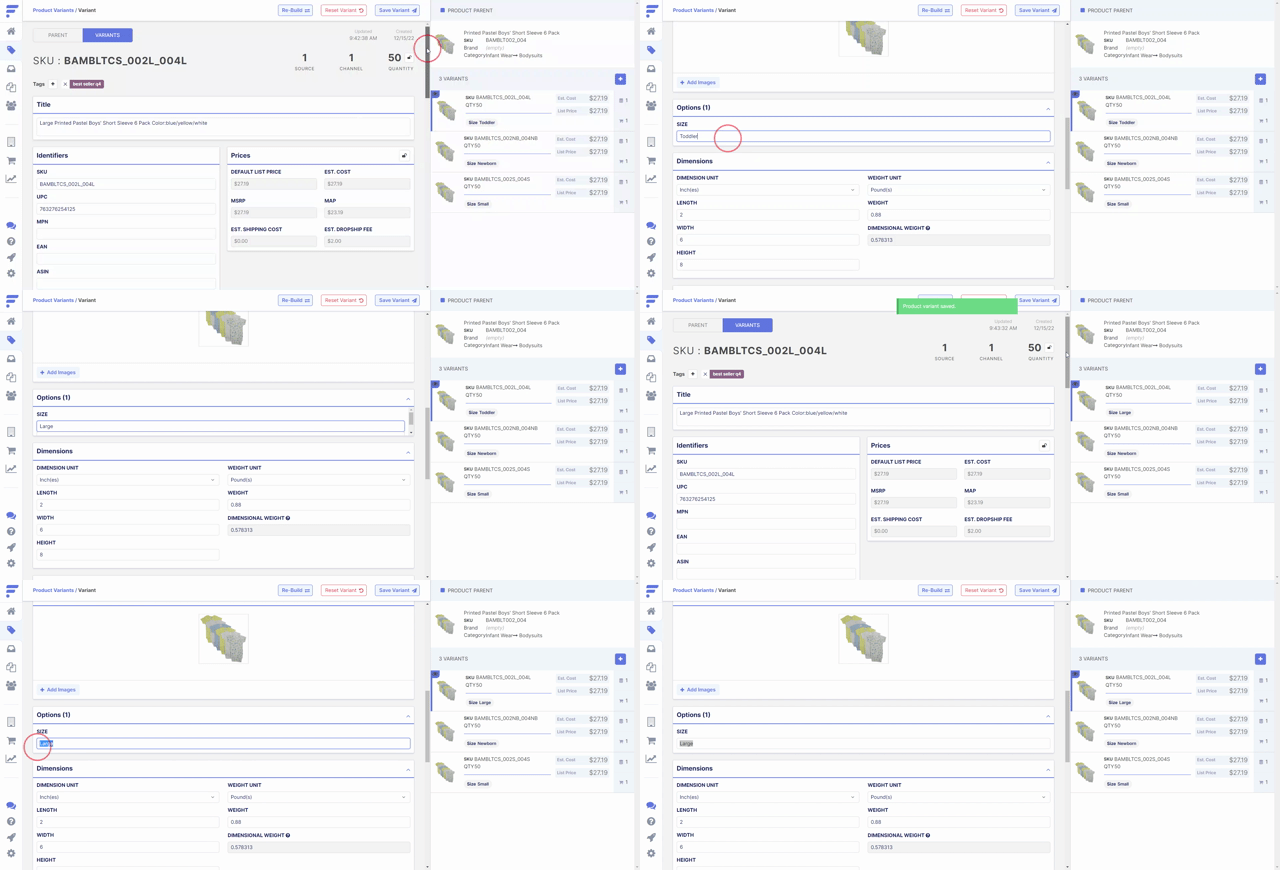
| Updating Option Position |
|---|
|
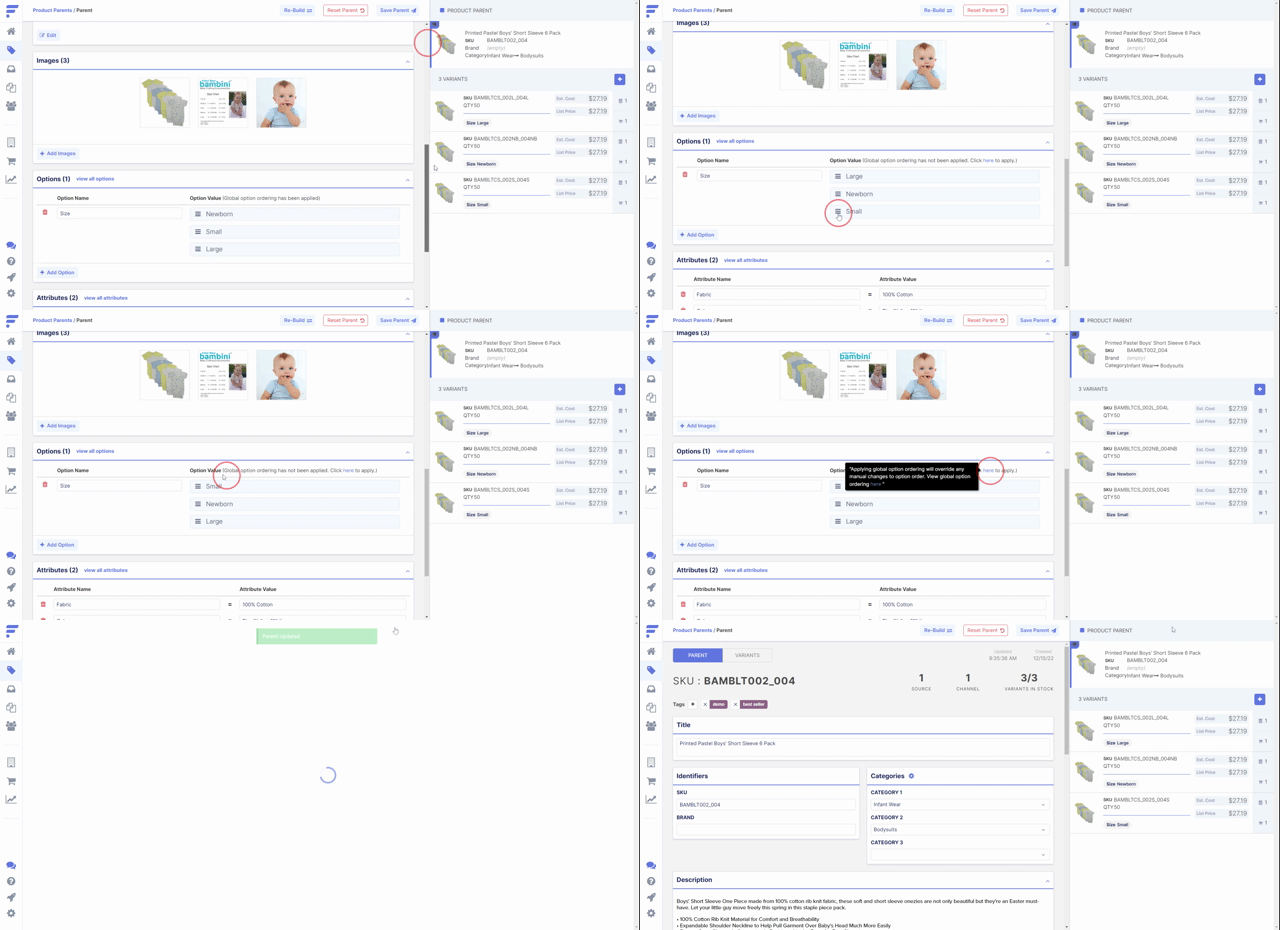
Options Manager
Within the Options Manager, you can:
- Add new options and values
- Apply filters to easily sort
- Search using the Option ID or Option Name
- Export your option catalog
- Rearrange option values
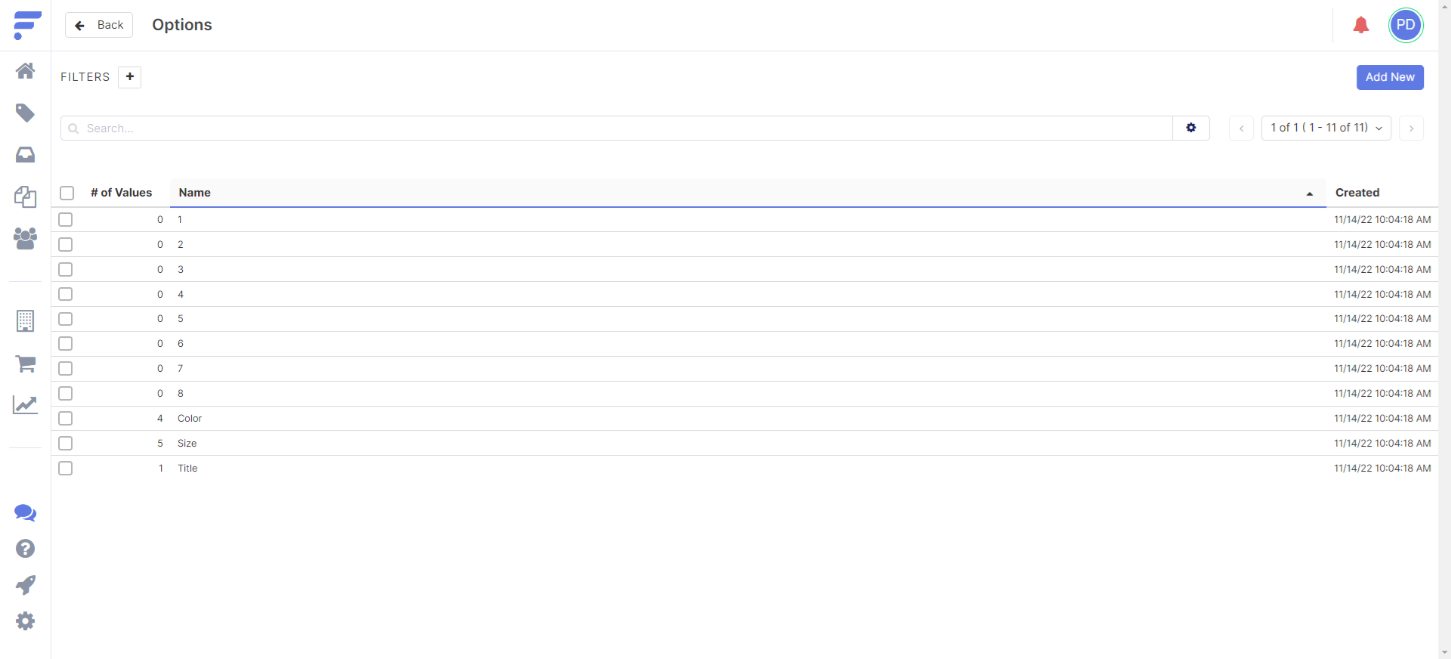
| Navigating to the Options Manager |
|---|
|